You can customize Bruno settings according to your preferences. Bruno offers a variety of settings that can be tailored to suit your needs. Key settings include: These are the core settings that you can adjust to optimize your Bruno experience.Documentation Index
Fetch the complete documentation index at: https://bruno-a6972042-mintlify-testing-jsonbody-jsonschema-1777266.mintlify.app/llms.txt
Use this file to discover all available pages before exploring further.
General
The General settings include options for SSL/TLS, Custom CA certificates, and Cookies. You can customize how cookies are handled by choosing to store and send them automatically, or simply uncheck the box if you prefer not to store cookies.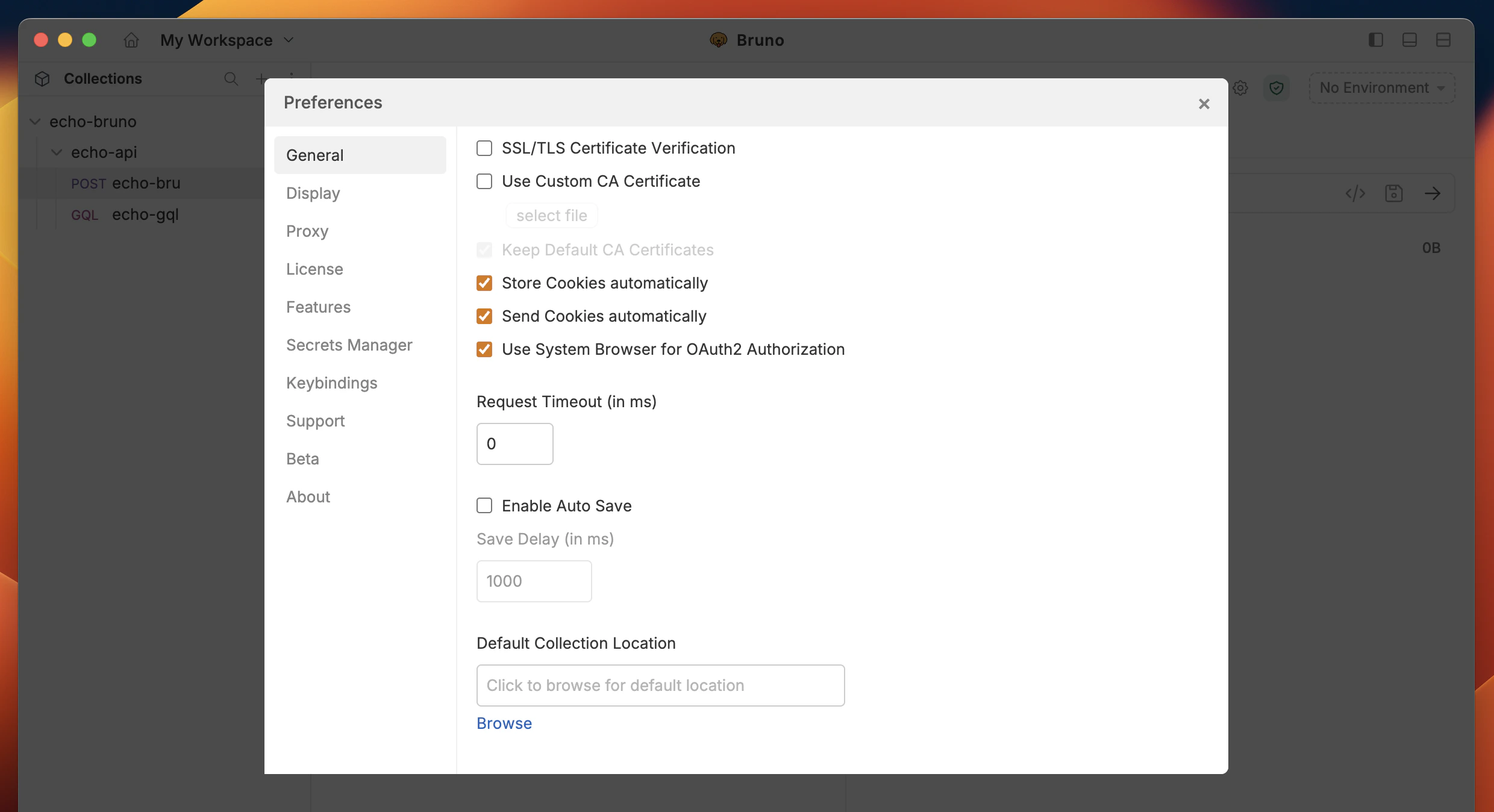
Themes
Bruno offers a variety of themes to personalize your workspace. You can choose from different color schemes to match your preference and enhance your visual experience while working with APIs.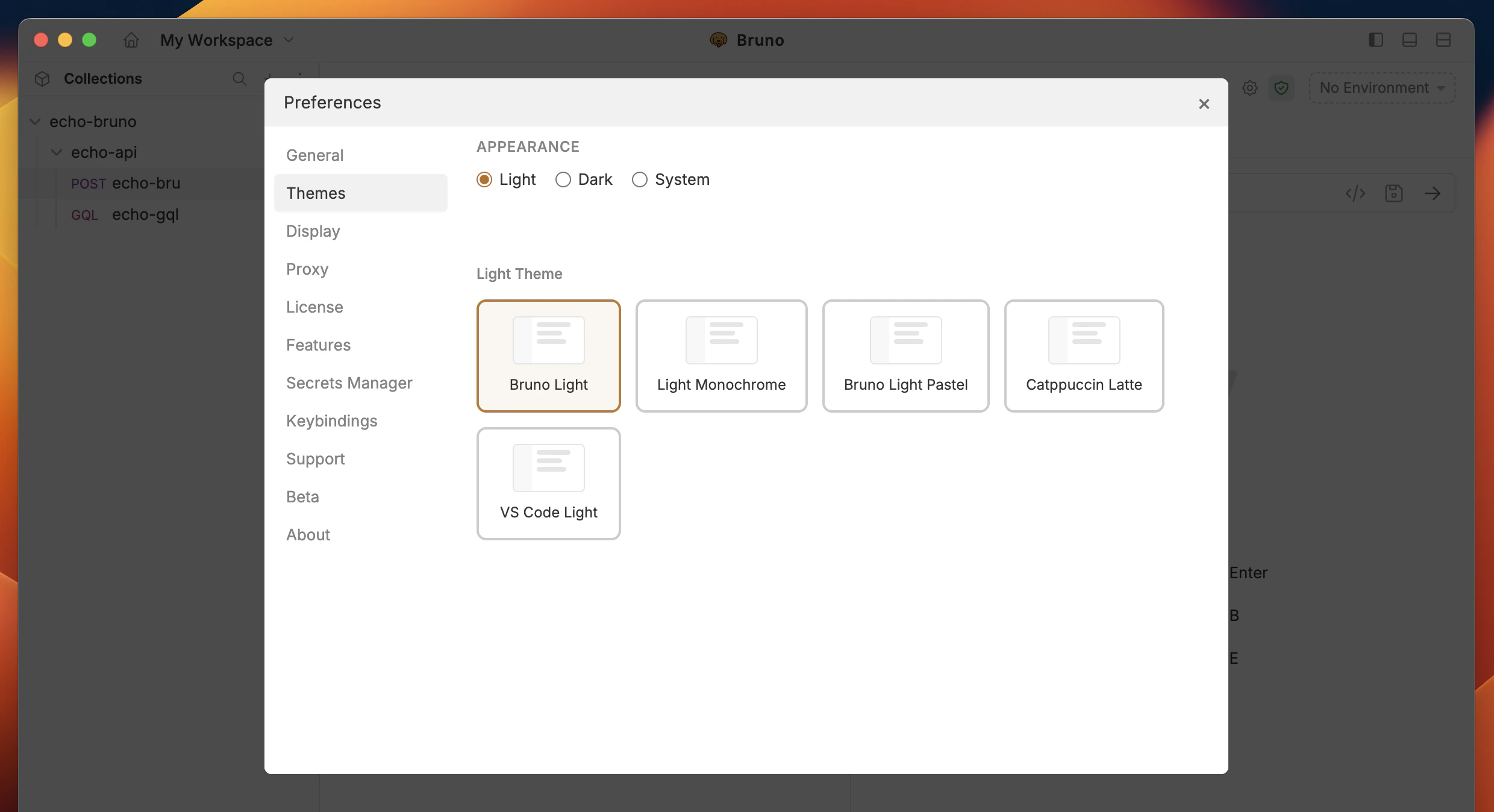
Display
In the Display section, you can control the appearance of the Bruno, choosing between Dark, Light, or System mode, based on your preference. Additionally, you can customize the code editor font to suit your style.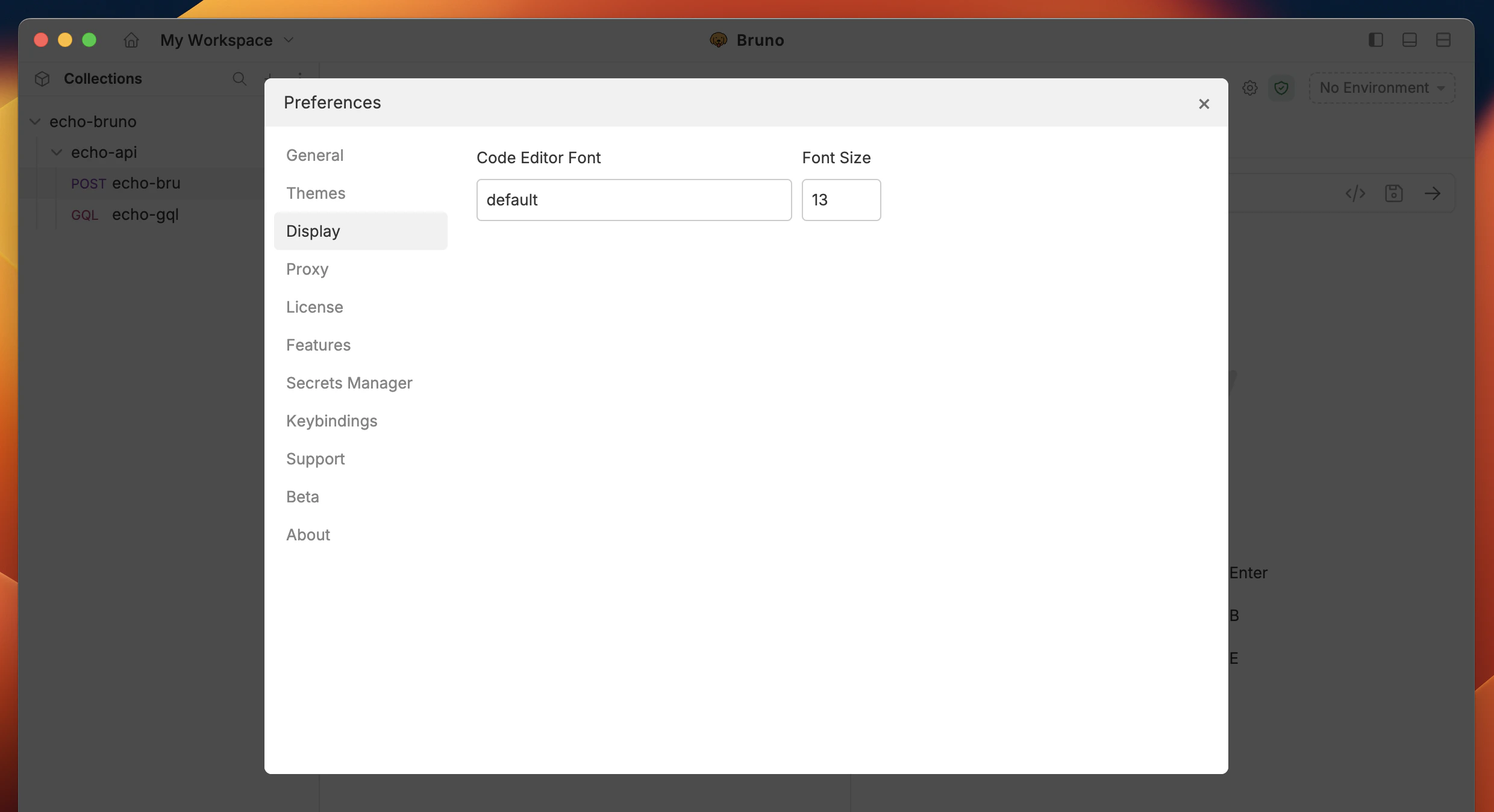
Proxy
You can customize the Proxy settings by selecting On, Off, or System, depending on your needs. For more details, you can refer to the Proxy guide here to learn more. By default, the Proxy setting is Off in Bruno.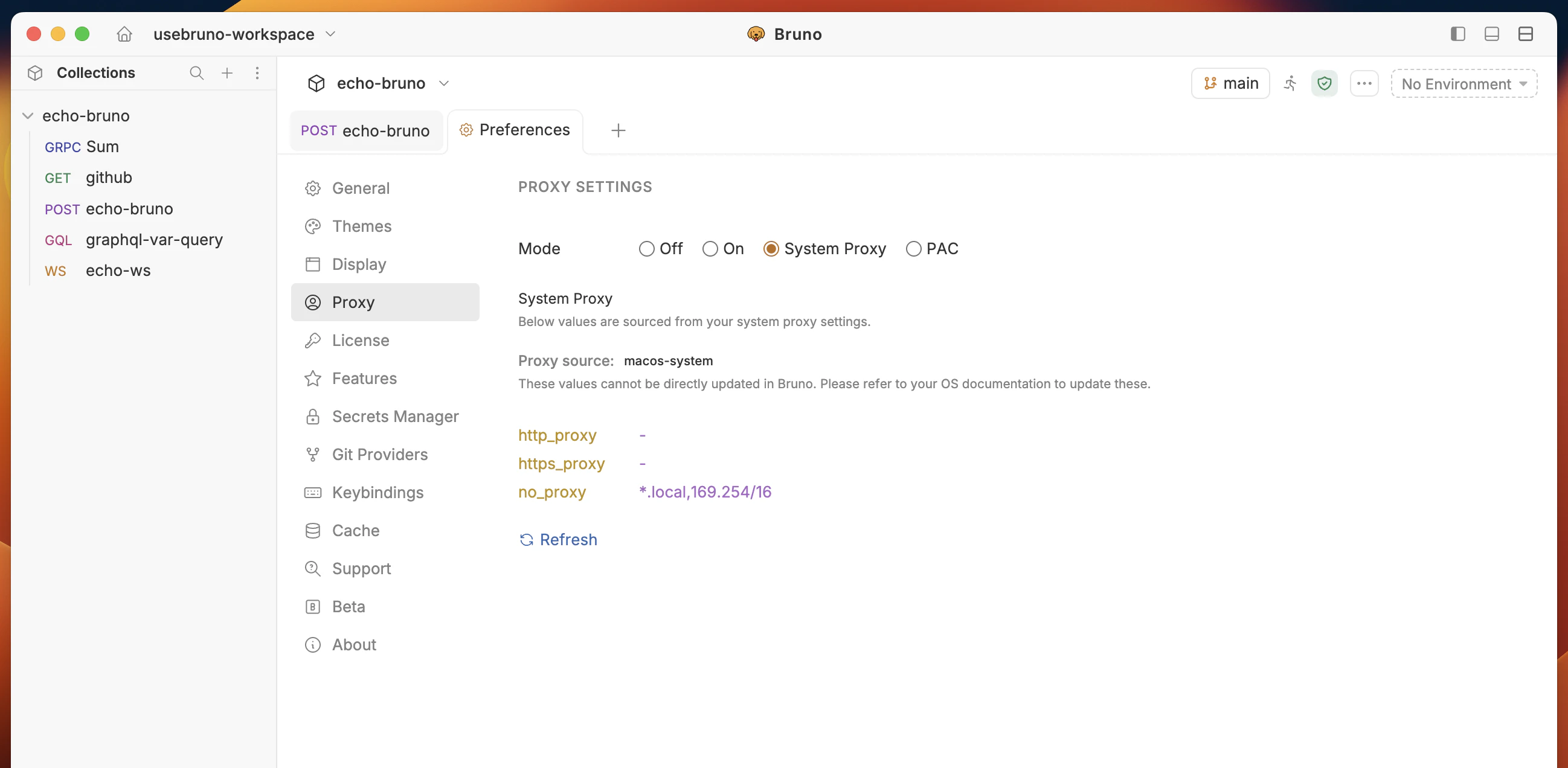
License
Bruno offers Ultimate and Pro plans for premium users. You can refer to the Licensing guide to learn more about the features and benefits of each plan.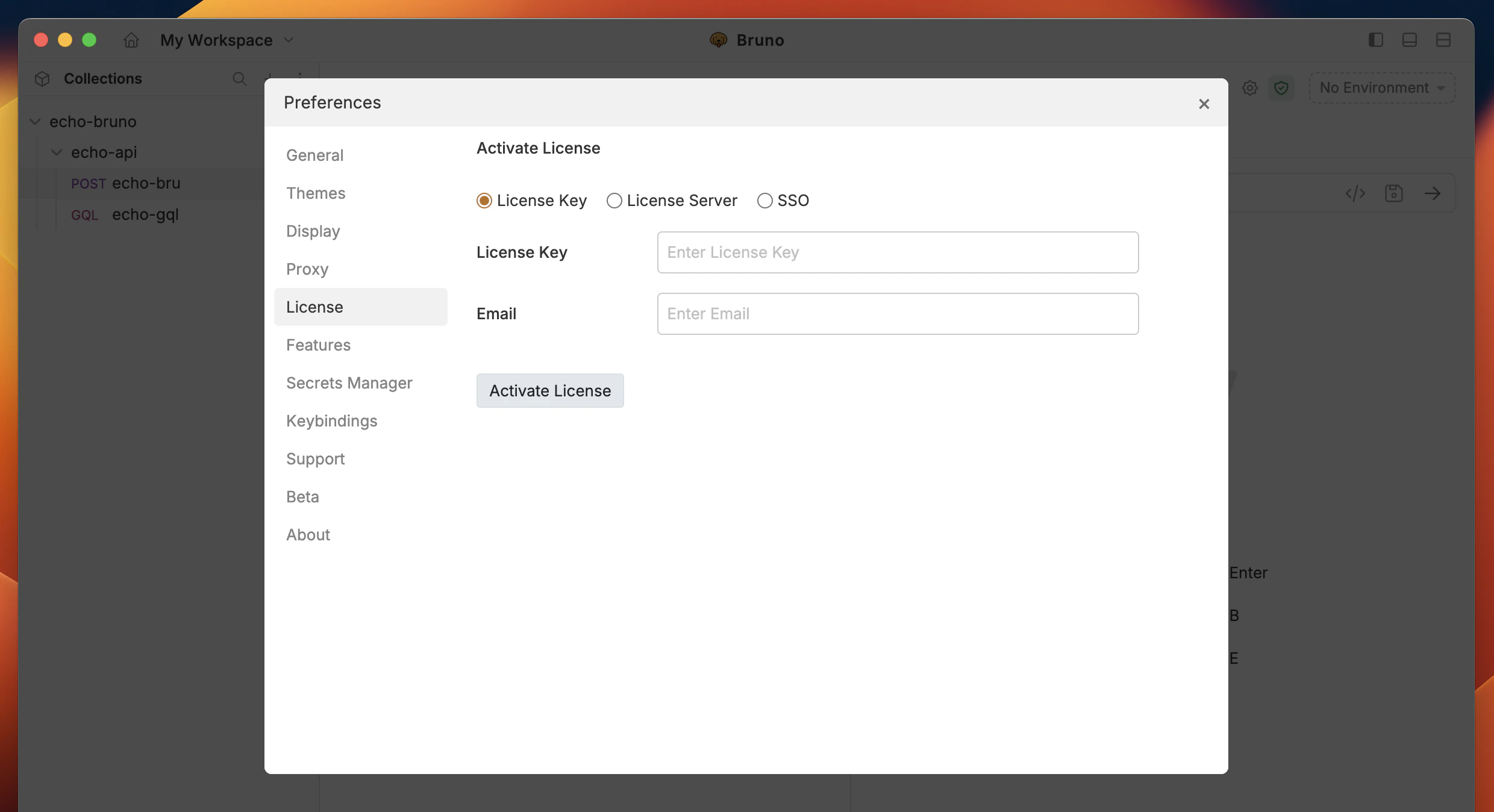
Keybindings
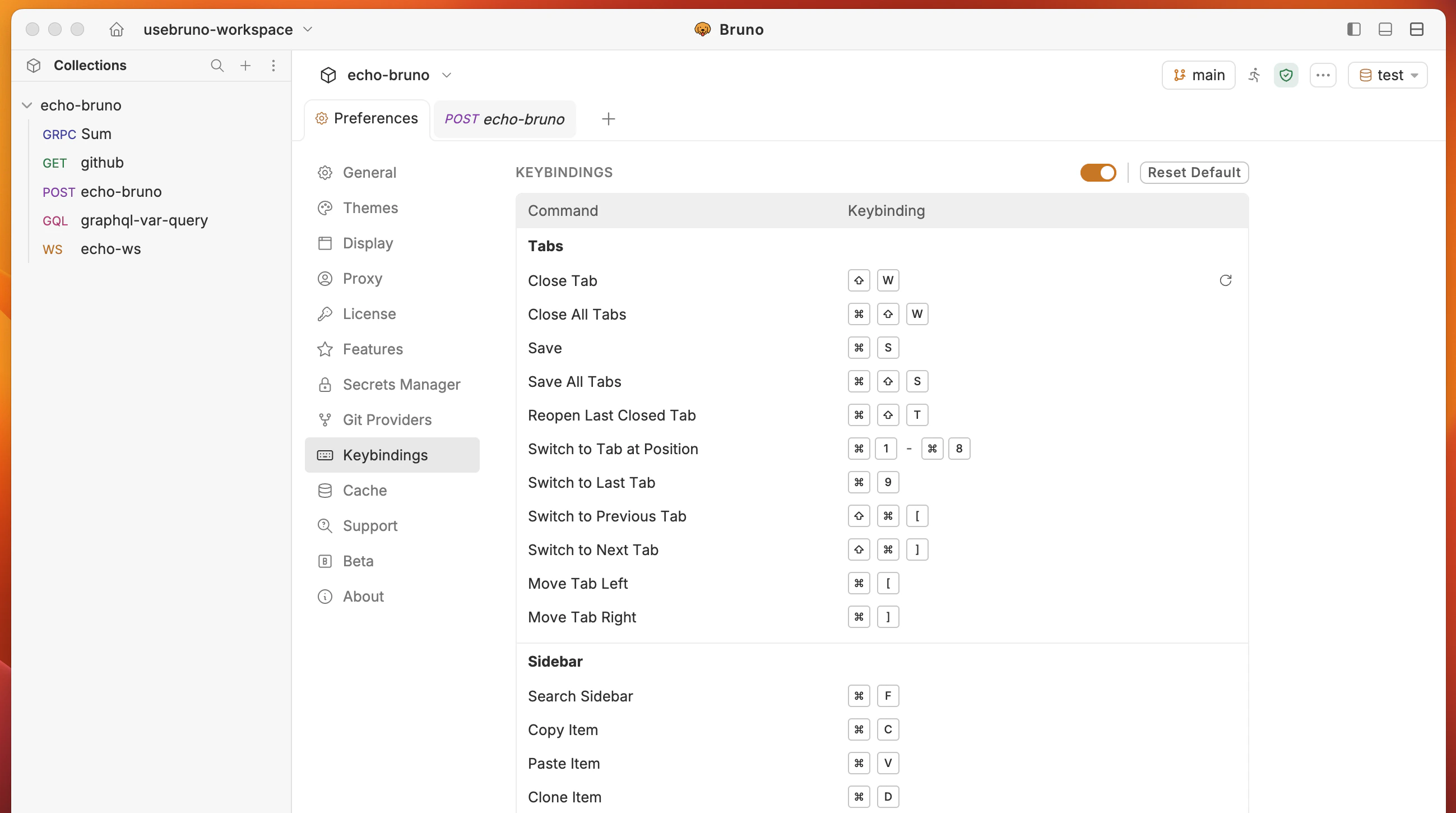
Keybinding is available in Bruno 3.3.0+ or higher versions.
- Go to Keybindings tab from Preferences bottom left corner.
- Click and enter the keybinding you want to customize.
Secrets
There are three primary ways to manage secrets in Bruno, which you can learn about in the Secret Management Overview. This setting controls the integration with a Vault for secret management, which is available in Bruno Ultimate Edition.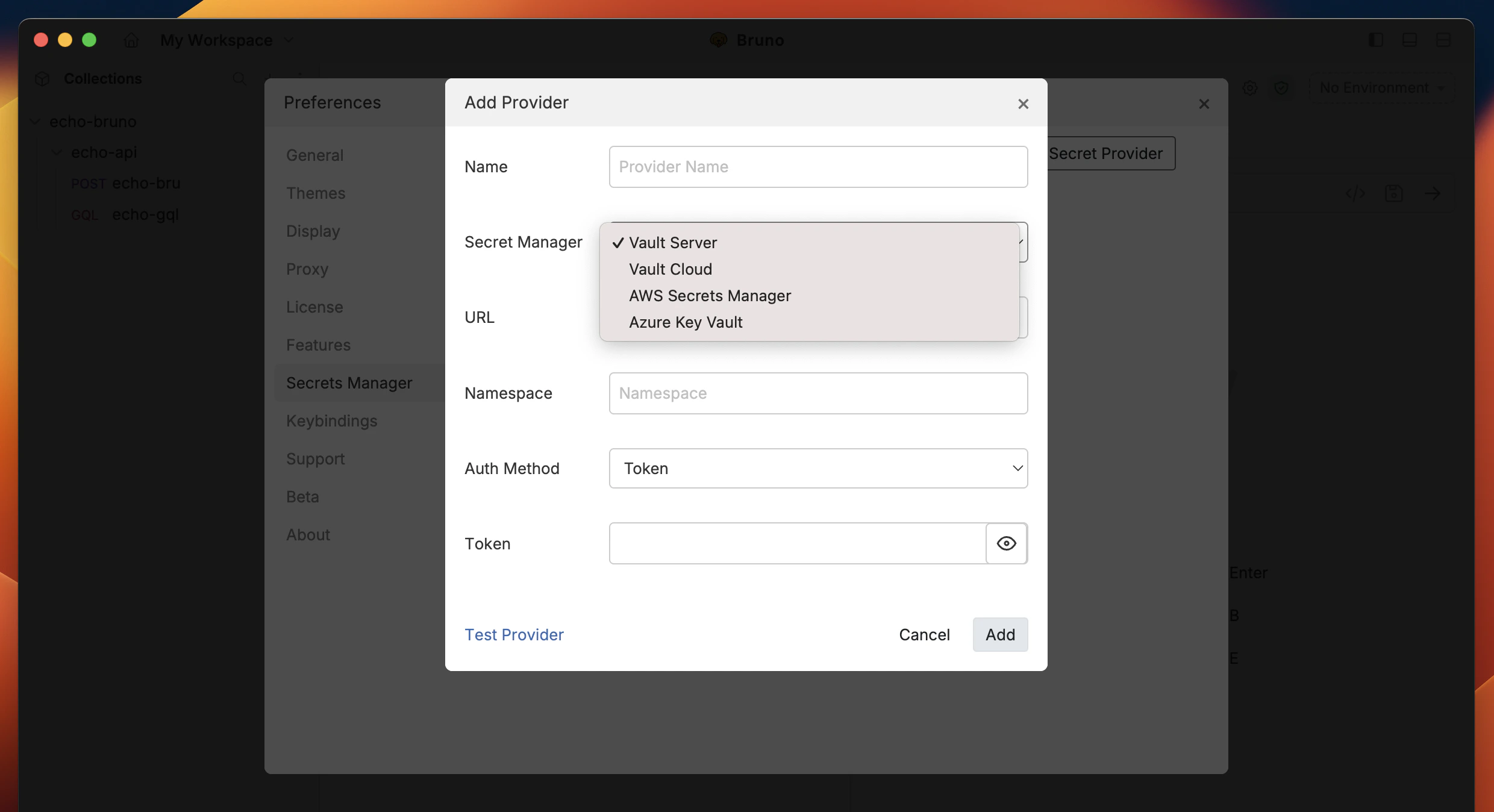
Support
If you encounter issues or need assistance, you can access a range of troubleshooting resources to help resolve your problem quickly.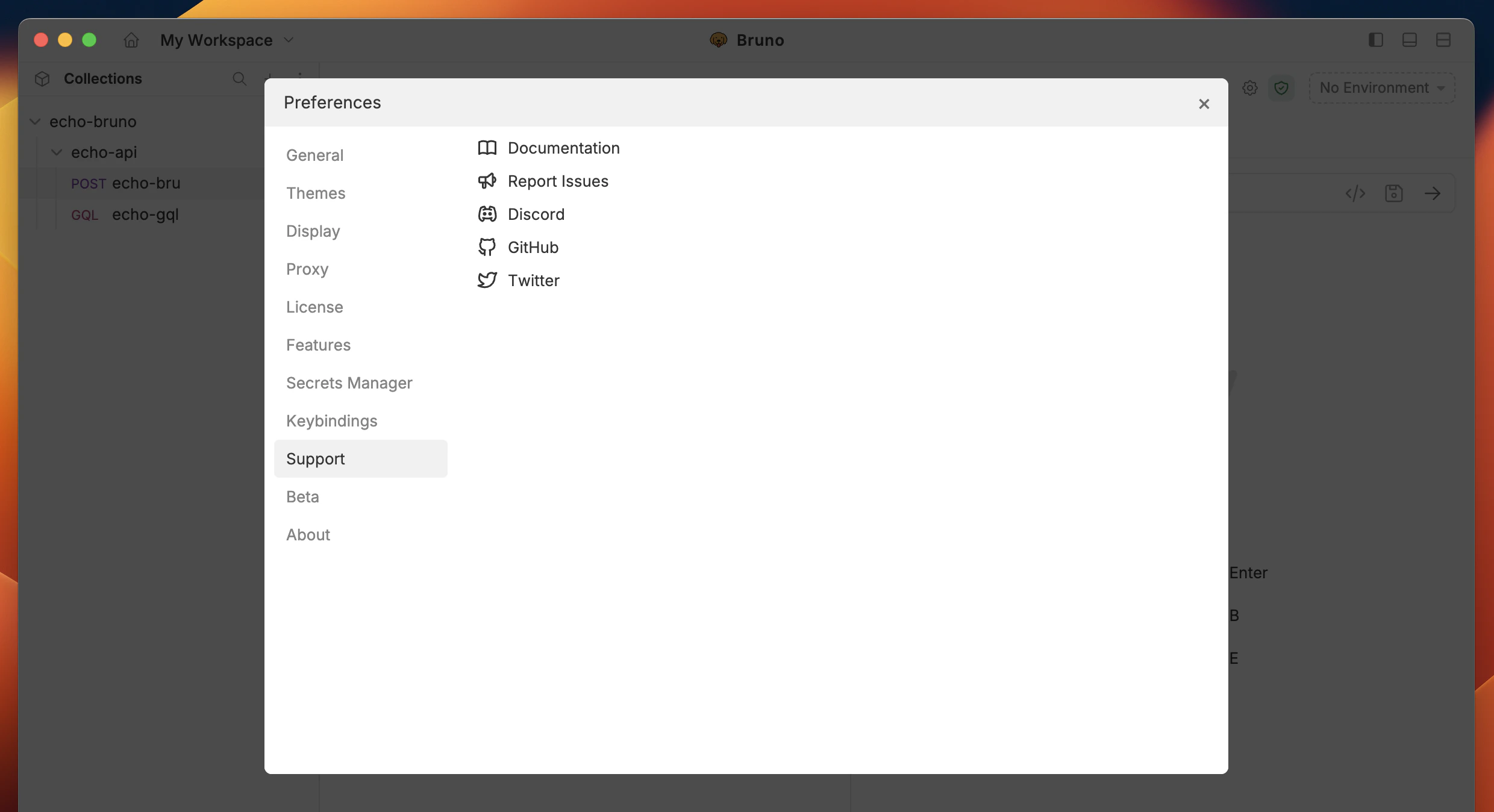
About
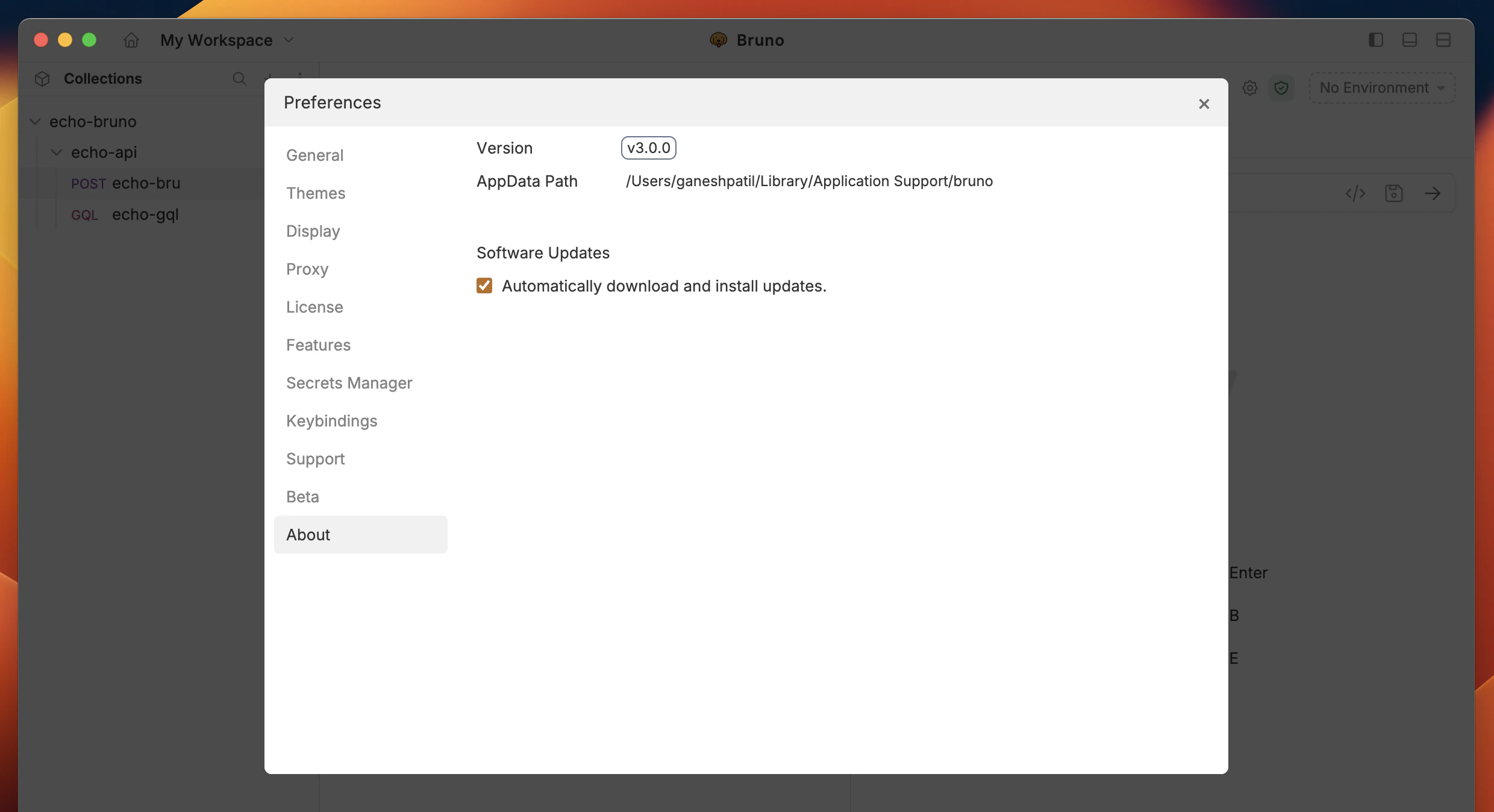
View application details and enable the auto-update feature to keep your app up to date automatically.