

Documentation Index
Fetch the complete documentation index at: https://bruno-a6972042-mintlify-testing-jsonbody-jsonschema-1777266.mintlify.app/llms.txt
Use this file to discover all available pages before exploring further.
Global variables are stored in the application’s memory. You can access them by visiting the About section from Preferences and navigating to the AppData path location.
Create a Global Environment Variable
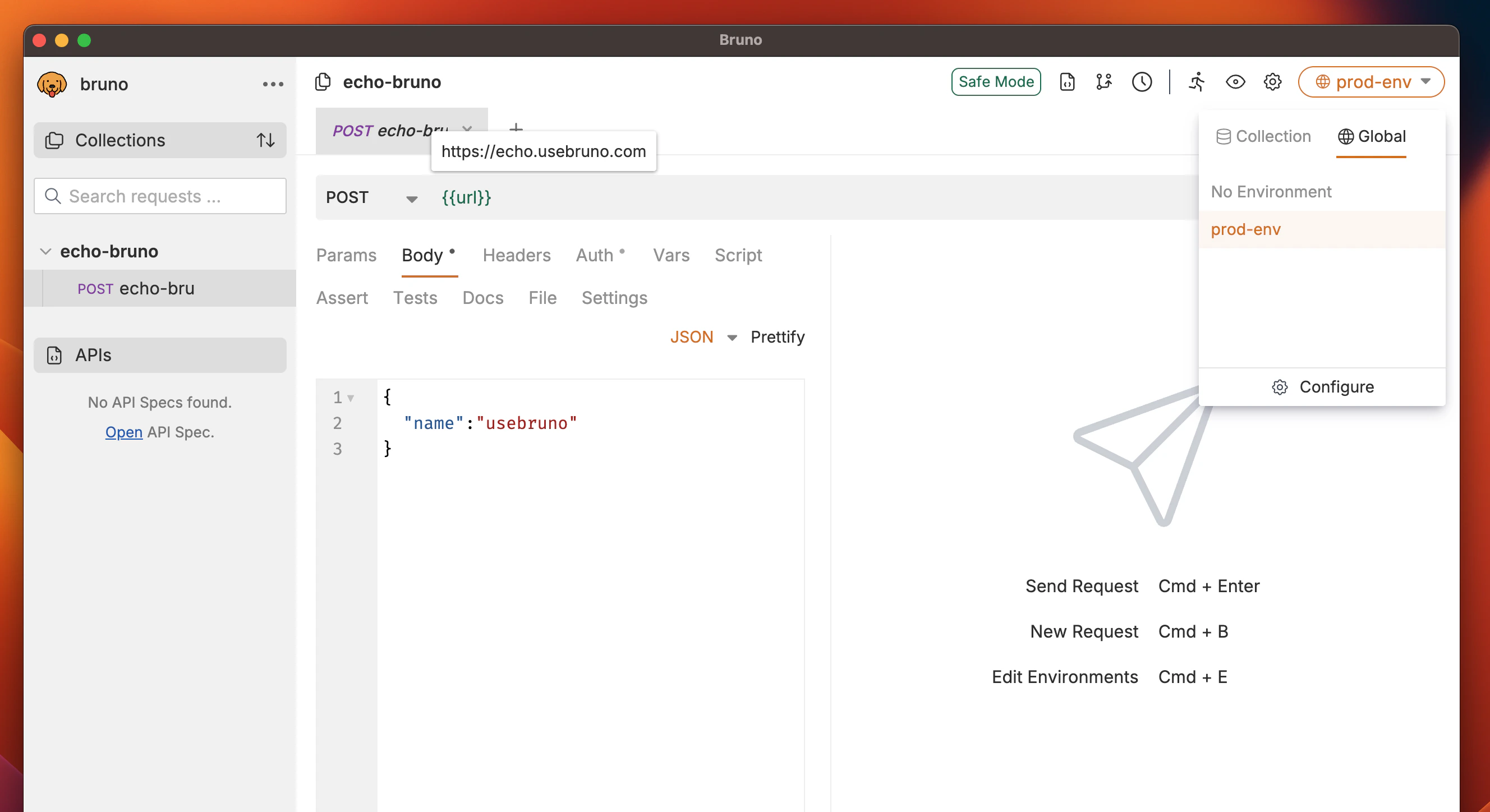
- Go to the Environments section (top right corner).
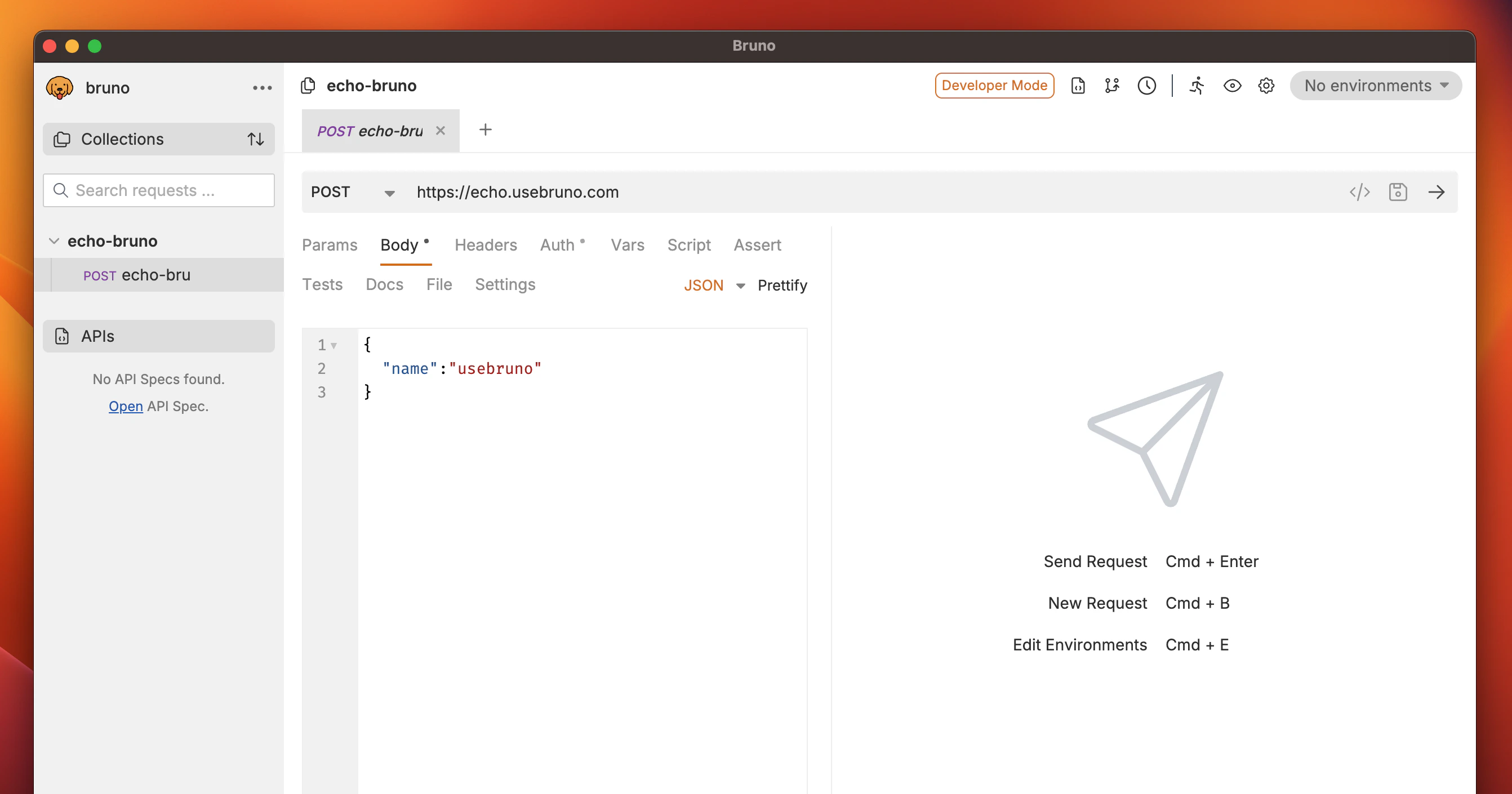
- Navigate to the Global tab and click on Create.
- (Optional) If you need to import an existing environment, you can use the Import Environment option.
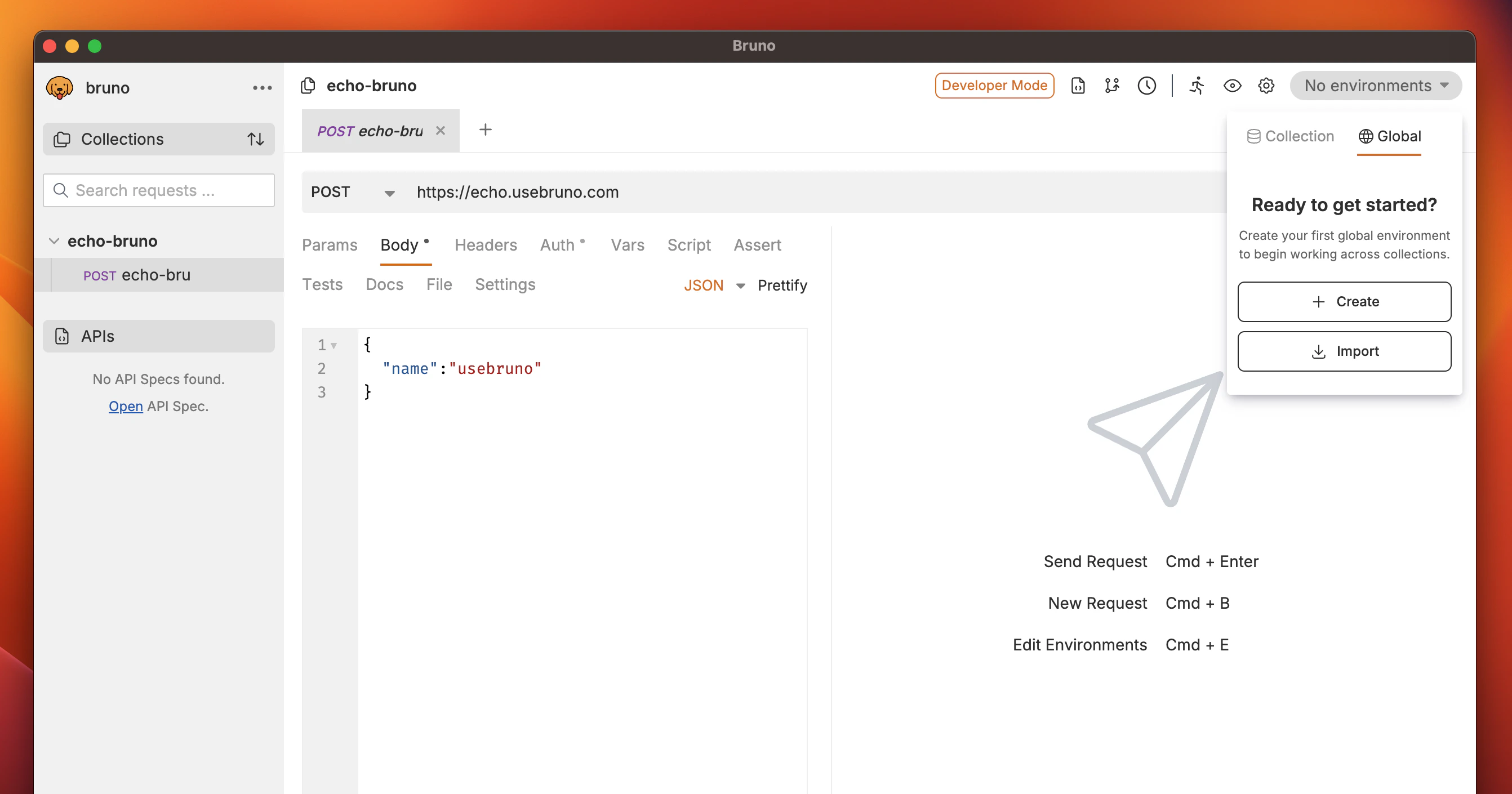
- Enter a name for your environment and click Create.
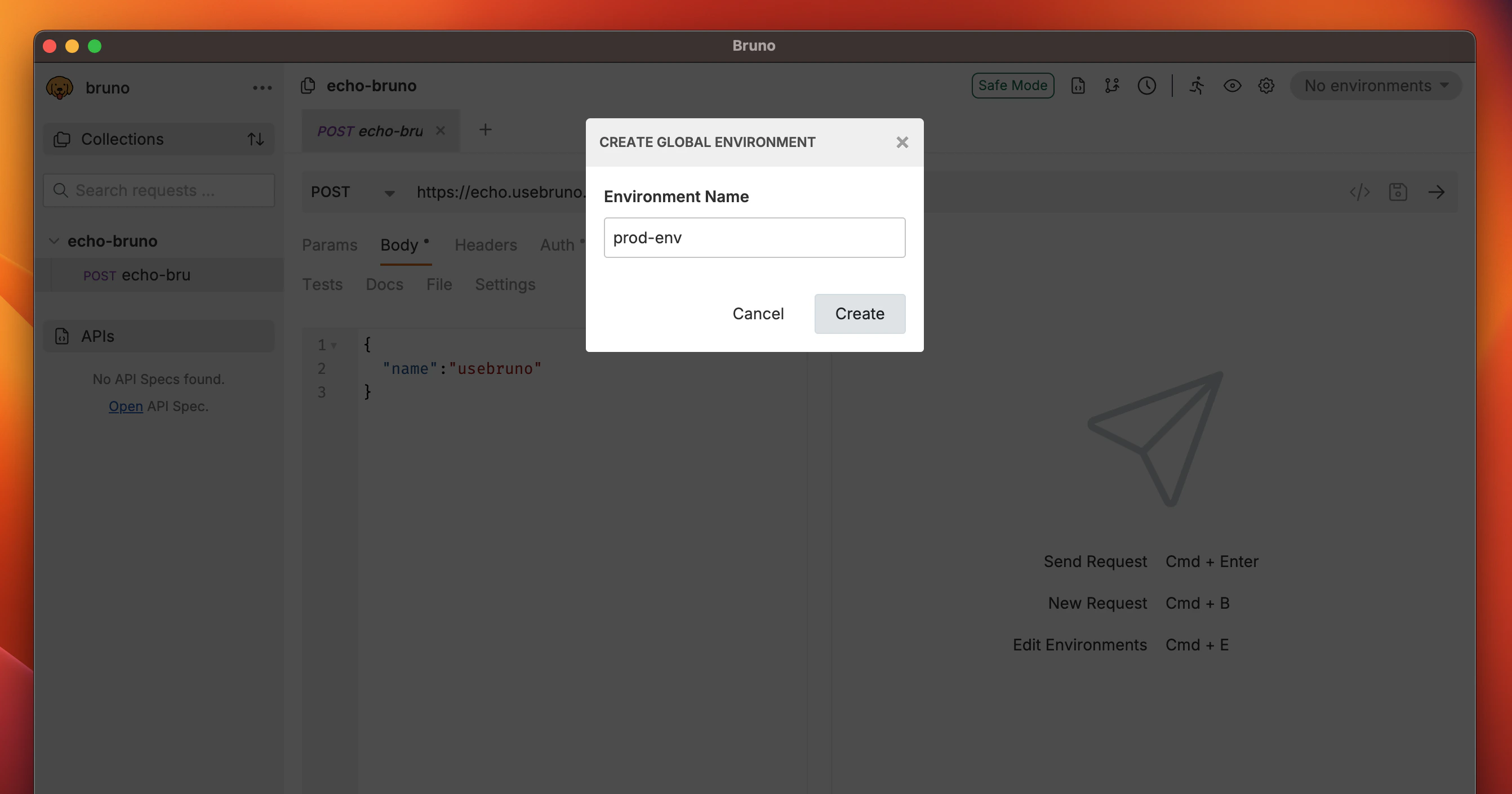
- Add a variable by specifying the Name and Value.
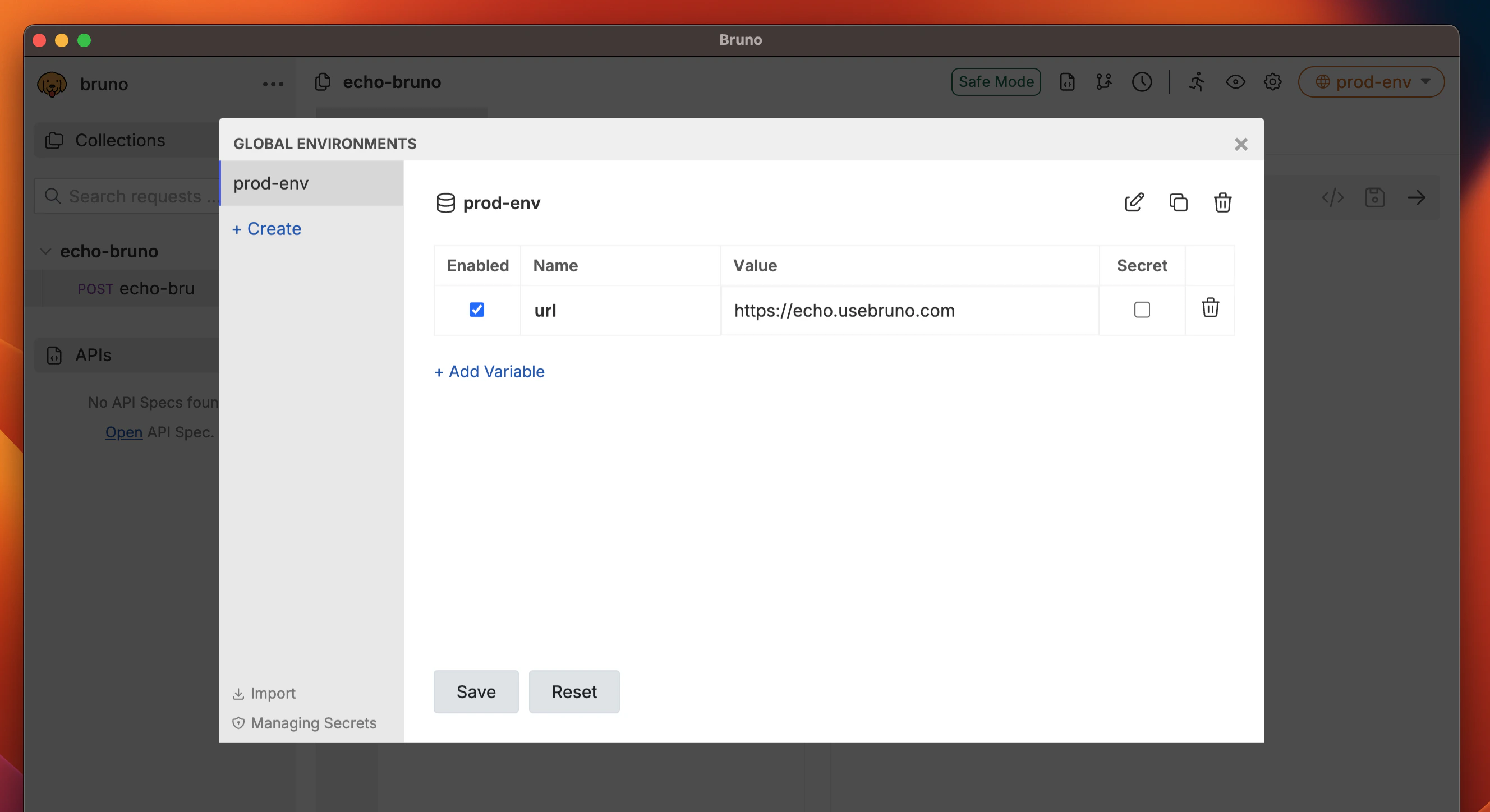
- Click Save.
Using Global Environment Variables
To use a global environment variable, reference it using the format{{var_name}} in any request or collection. These variables can be combined with other variables and used throughout your workspace, making them ideal for consistent value sharing.
Import/Export Global Environment Variables
For detailed instructions on importing and exporting global environment variables, see the Import/Export Environments guide.