

Whether you’re developing your own API or testing a third-party one, you can use Bruno as an API Testing Client to send requests and receive responses. With Bruno, you can create, update, delete, and send data with custom parameters and authorization details. When you send a request and receive a response through Bruno, the interface displays the information clearly, allowing you to debug errors, handle responses, and resolve any issues efficiently.Documentation Index
Fetch the complete documentation index at: https://bruno-a6972042-mintlify-testing-jsonbody-jsonschema-1777266.mintlify.app/llms.txt
Use this file to discover all available pages before exploring further.
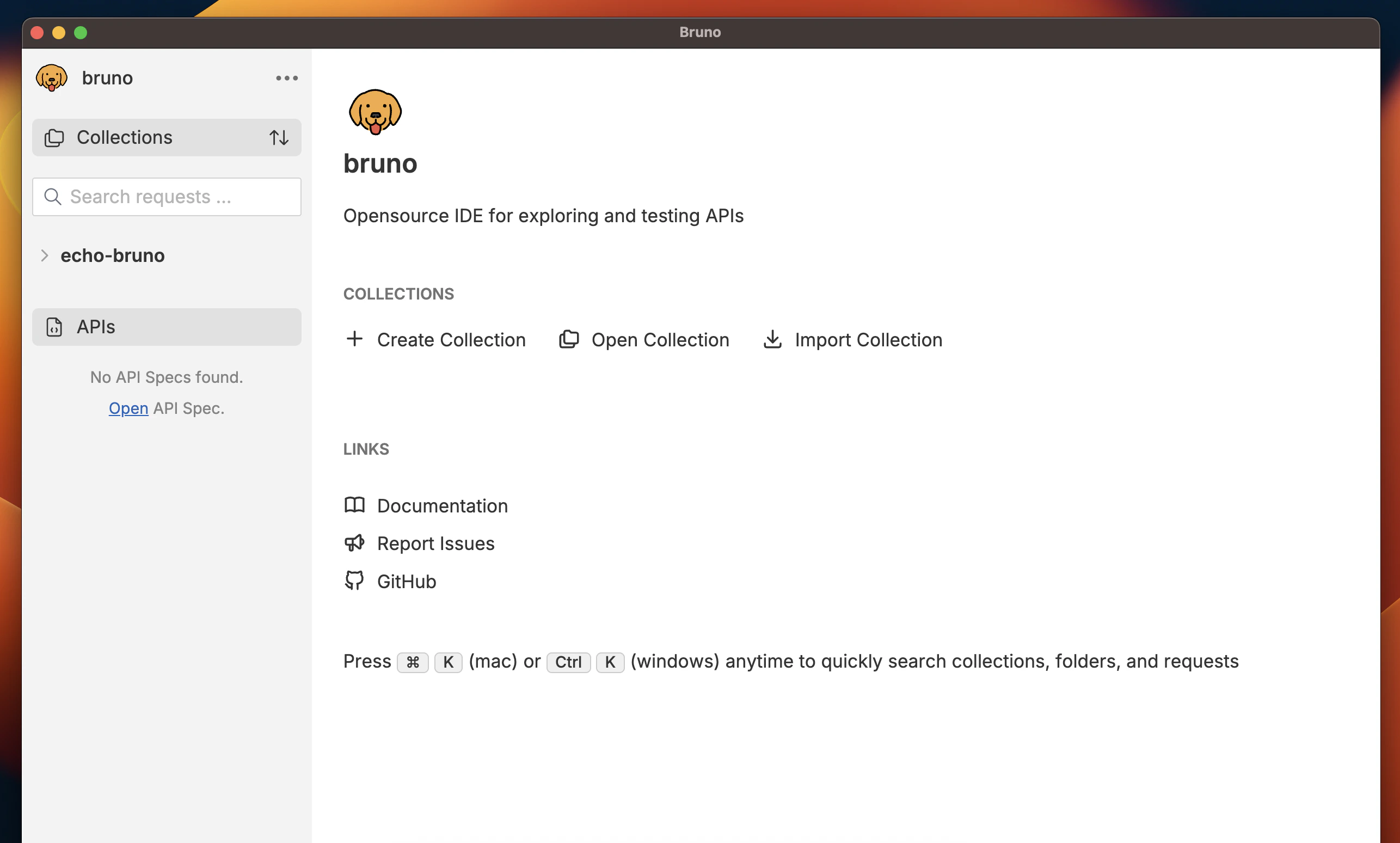
Post request to Bruno echo server with json body. The echo server will respond with same data we sent in a request as a output.