

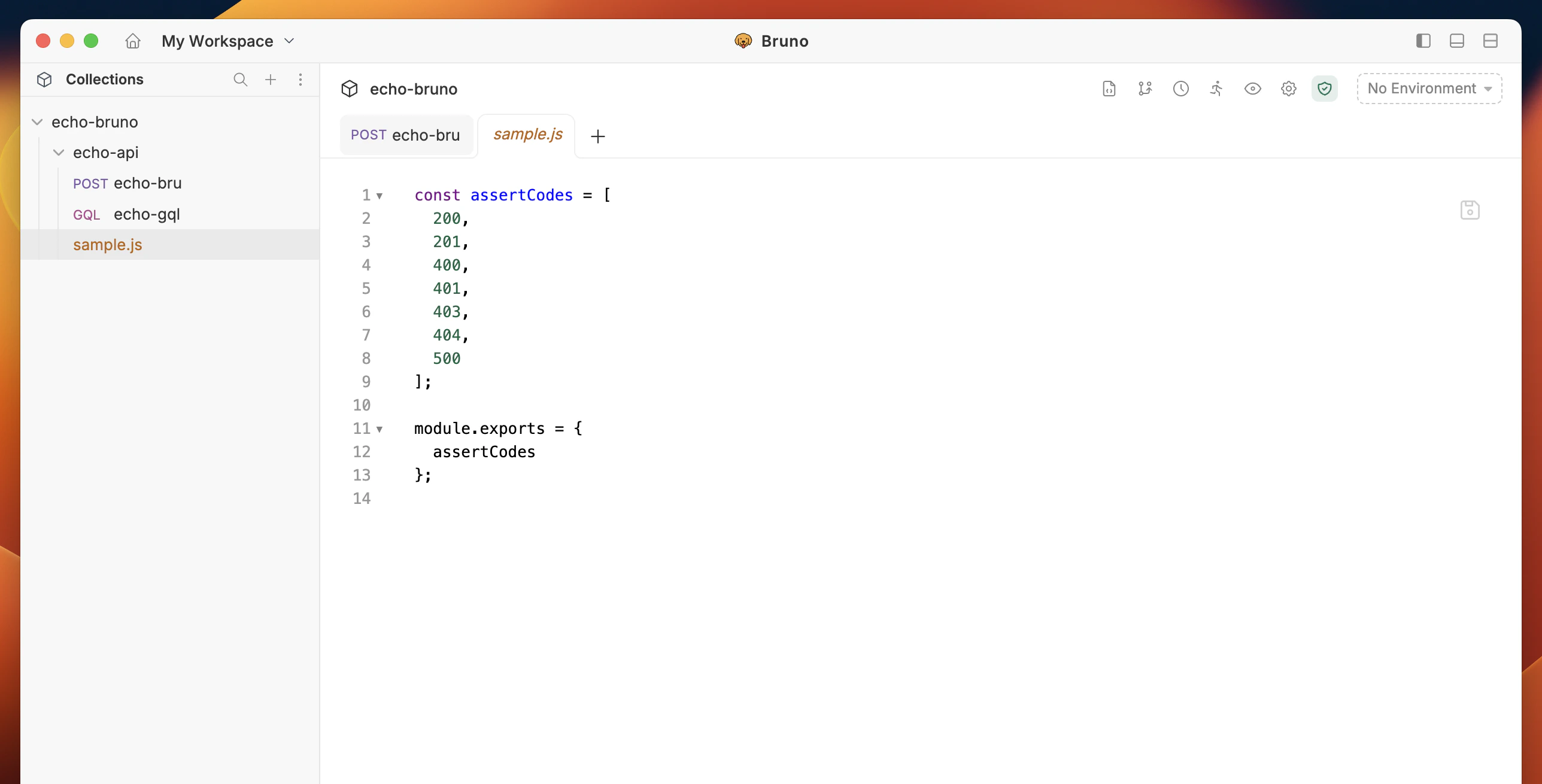
Create a New Script
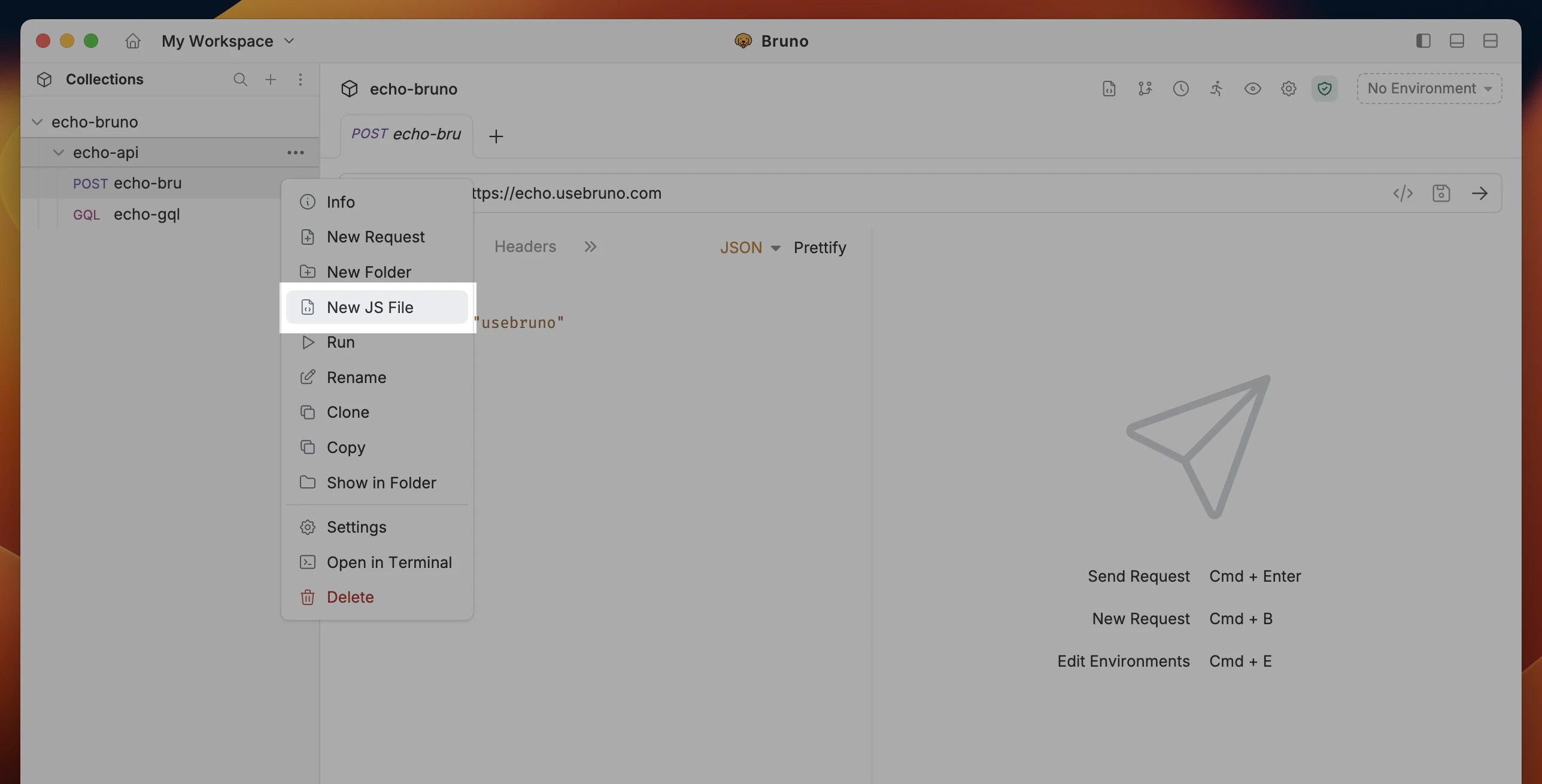
You can generate a JS File by:- Right clicking on any collection or folder
- Select
New Scriptfrom dropdown.
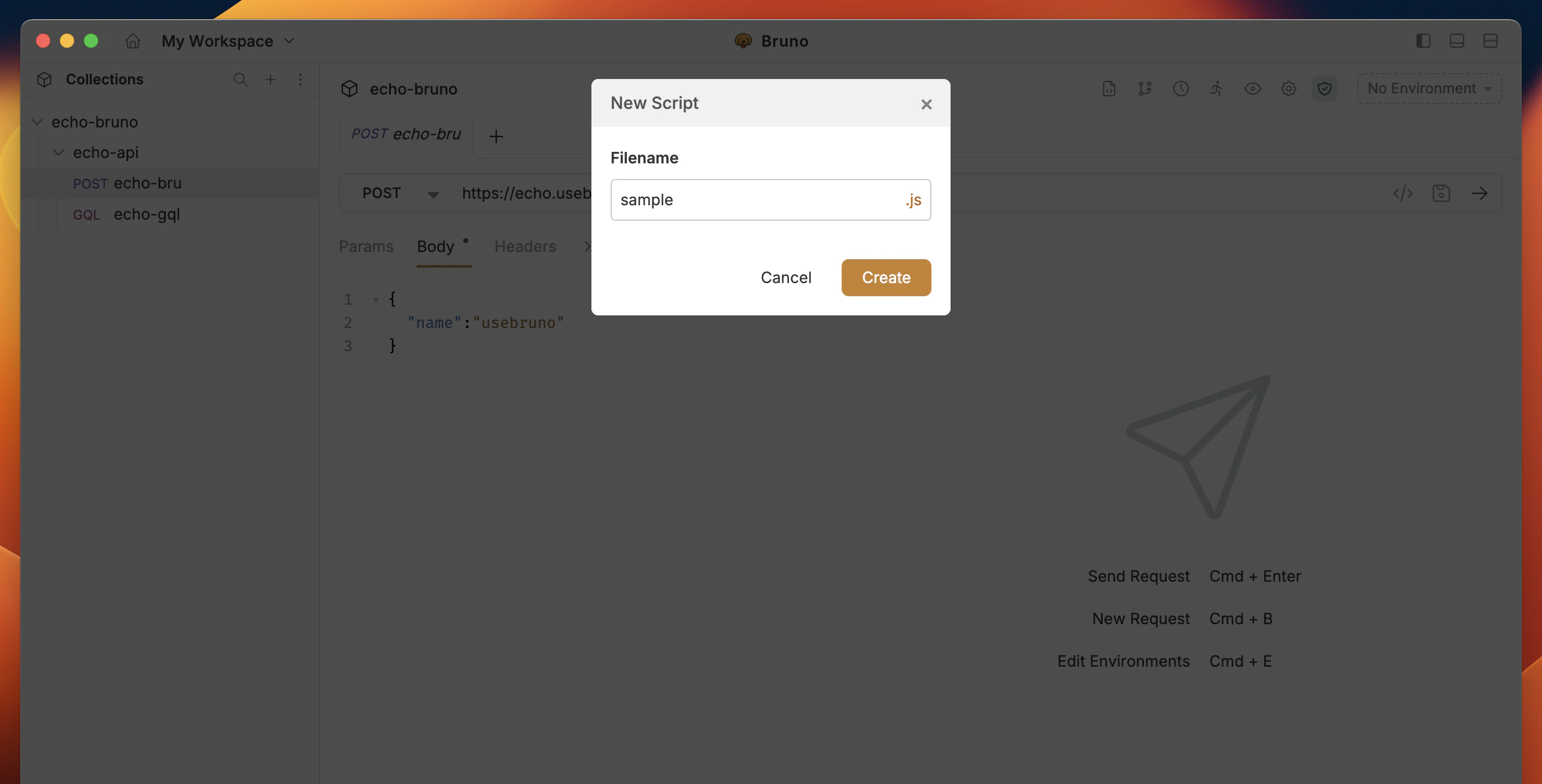
- Enter name and select Create
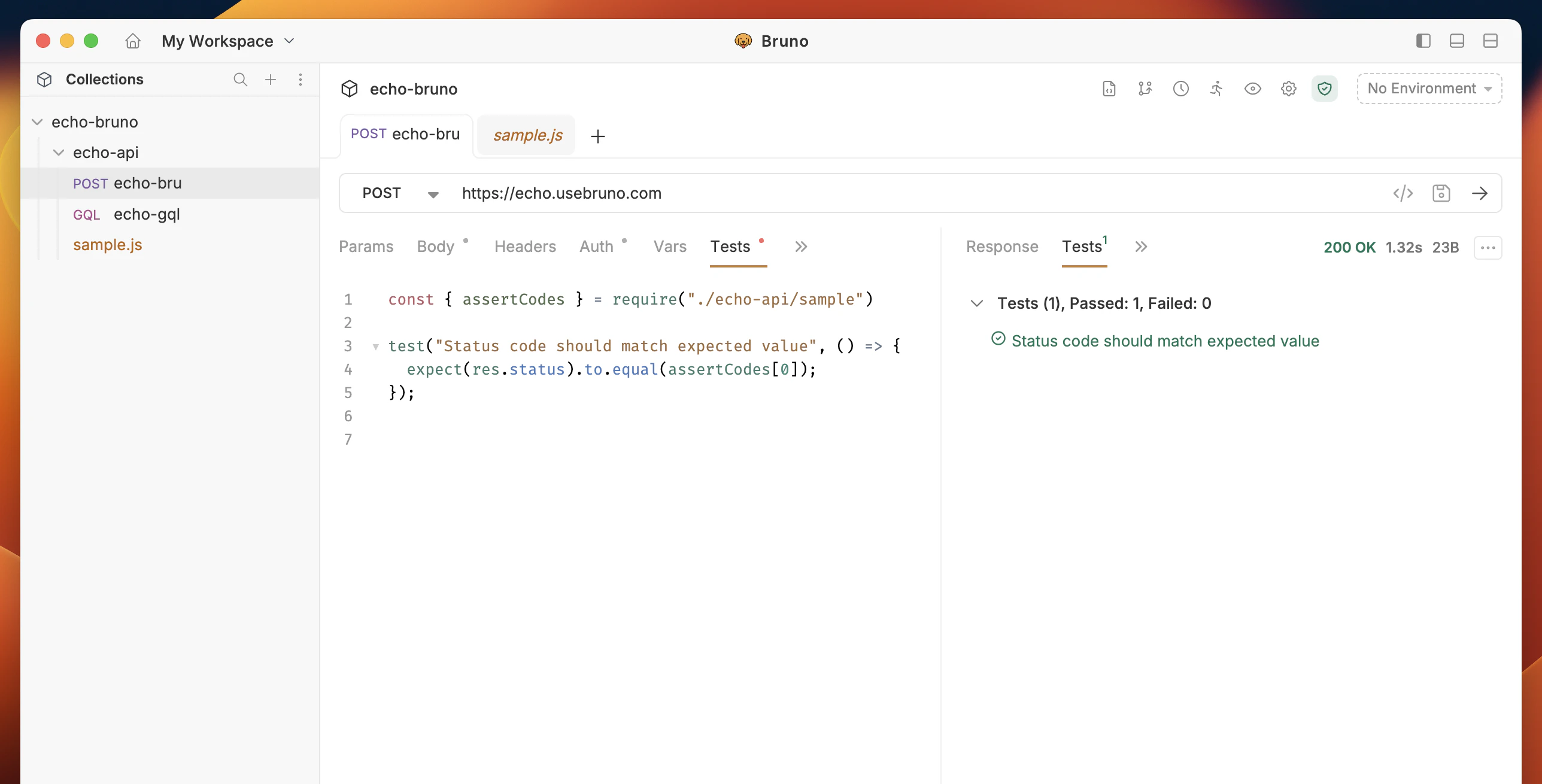
Import the Function(s)
Once your JS File has been created, you can now import the functions into anyScript tab across your resources.
Sharing Scripts Across Collections
TheadditionalContextRoots feature in Bruno allows you to share scripts across multiple collections, eliminating code duplication and promoting better code organization. This is particularly useful when you have common utility functions or shared logic that you want to use across different collections.
How to Use
1. Create a Shared Scripts Directory
First, create a directory to store your shared scripts. This can be anywhere in your project structure, but it’s common to place it at the root level of your project.2. Configure Shared Scripts Directory
2.1 Configure bruno.json
In each BRU collection’sbruno.json file, add the additionalContextRoots configuration under the scripts object:
showLineNumbers
2.2 Configure opencollection.yml
In each YML collection’sopencollection.yml file, add the additionalContextRoots configuration under the extensions.bruno.scripts object:
showLineNumbers
3. Create Shared Scripts
Create your shared scripts in the specified directory. For example:shared-scripts/utils.js:
showLineNumbers
4. Use Shared Scripts in Collections
You can now use these shared scripts in your collection’s pre-request or post-response scripts:showLineNumbers